 SageAndSheets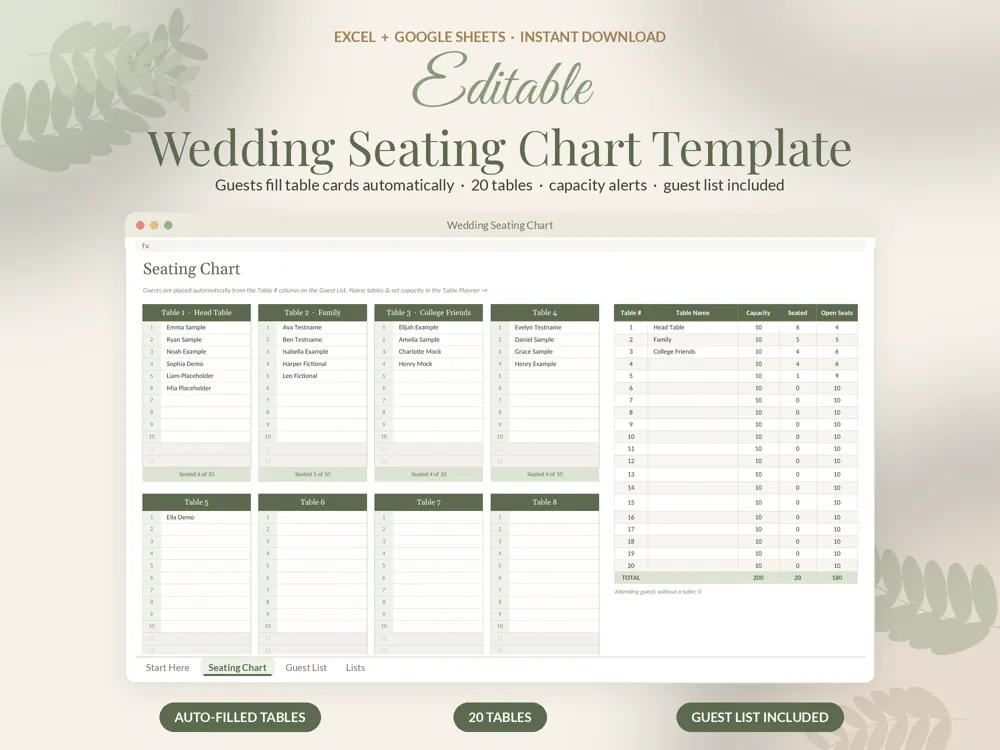
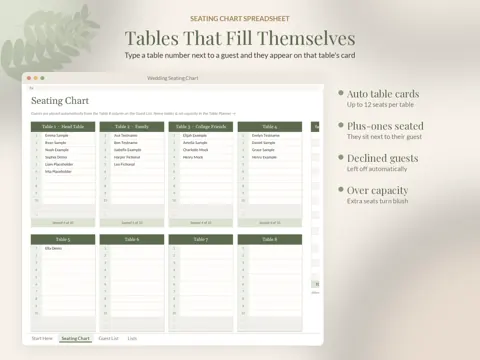
This wedding seating chart template fills your table cards automatically: type a table number next to a guest and their name appears on that table.
Who this seating chart is for
Made for Couples and planners arranging a reception who want an editable seating chart that fills in round tables automatically from the guest list.
What's included
- Seating chart spreadsheet (.xlsx), example with sample guests and tables
- Blank version (.xlsx)
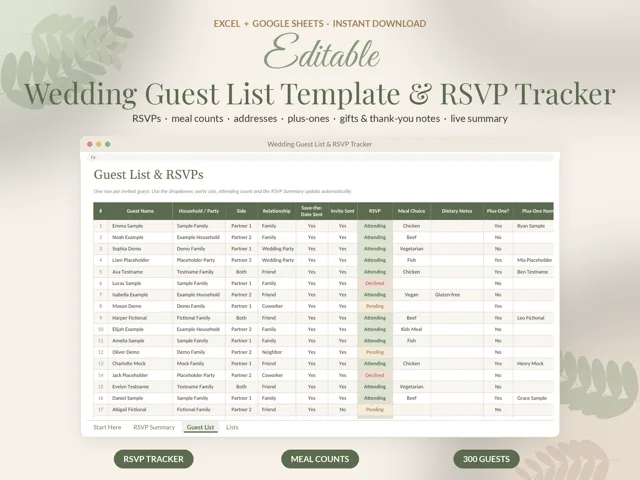
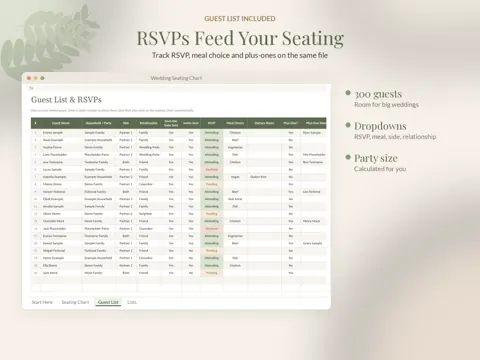
- Guest List tab with RSVP, meal and plus-one columns (up to 300 guests)
- Step-by-step PDF guide for Google Sheets and Excel
Features
- table cards, up to 12 seats each, filled automatically from the guest list
- Plus-ones are seated beside their guest; declined guests are left off
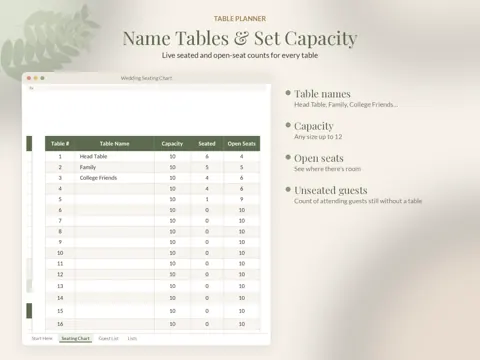
- Table Planner: table names, capacity, seated and open-seat counts
- Over-capacity seats highlighted
- Count of attending guests who still need a table
- Guest list with RSVP, meals, sides, addresses and dropdowns
Planning the whole wedding?
This template works on its own, and it pairs with the rest of the SageAndSheets wedding collection: the wedding budget spreadsheet, guest list and RSVP tracker, seating chart, vendor tracker and day-of timeline. Every file uses the same sage and gold design, so your planning binder looks consistent from engagement to the last dance.
How to use it
- Buy once from Etsy, Gumroad or Payhip and download the files instantly.
- Open the example version first to see the template filled in, then use the blank version for your own details.
- Upload the .xlsx to Google Drive and open it with Google Sheets, or open it directly in Excel.
- Follow the PDF guide; formulas update totals, dashboards and alerts as you type.
Frequently asked questions
How does seating work?
Type a table number next to a guest and the name appears on that table in the chart.
Can I change table sizes?
Yes. Set the number of seats per table and the chart flags any table that is over capacity.
Does it work in Google Sheets and Excel?
Yes. Every spreadsheet opens in Google Sheets (free) and Microsoft Excel. A step-by-step PDF guide is included.
Is anything shipped?
No. It's an instant digital download, available right after purchase.