 SageAndSheets
Free Safe to Spend Budget Spreadsheet
The Safe to Spend Mini is a free one-tab budget for Google Sheets and Excel. Type in your paychecks, bills and spending budgets, and one big number shows what you can spend or save this month without shorting a bill, a budget or a goal. It also shows that number per day.
Download free (Excel / Google Sheets)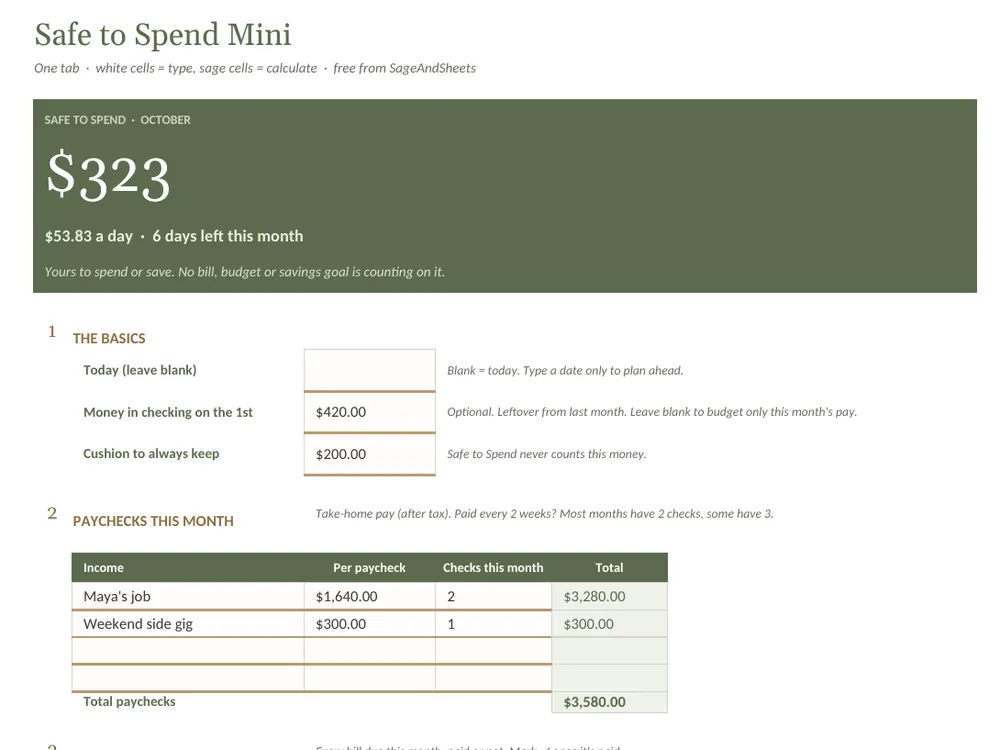
Get it in your inbox (optional)
No sign-up needed: the download above is instant. If you'd also like budgeting tips and sale alerts, send a quick email and we'll add you to the list.
Email me the Mini + tipsWhat's inside
- One big number: what's safe to spend this month, plus a per-day amount and days left
- Bills with a ✓ column: unpaid bills still count until you check them off
- Spending budgets: overspending comes out of Safe to Spend, so the number stays honest
- A cushion you never touch: set it once and the Mini leaves it alone
How to use it
- Open the example to see a filled-in month, then use the blank copy for yours.
- Fill in the white cells: money in checking on the 1st, paychecks, bills, debt payments and savings, and spending budgets.
- Check off bills as you pay them and update what you've spent. The number at the top updates as you type.
How to open it in Google Sheets
- Download the file above.
- Go to Google Drive, click New → File upload and pick the file.
- Open it, then choose File → Save as Google Sheets.
Prefer pen and paper? Download the printable worksheet (PDF). Want an example, a blank copy and the printable together? Download the zip.
A planning tool, not financial advice. Free for personal use; please don't share or resell the files.
Want the whole money picture?
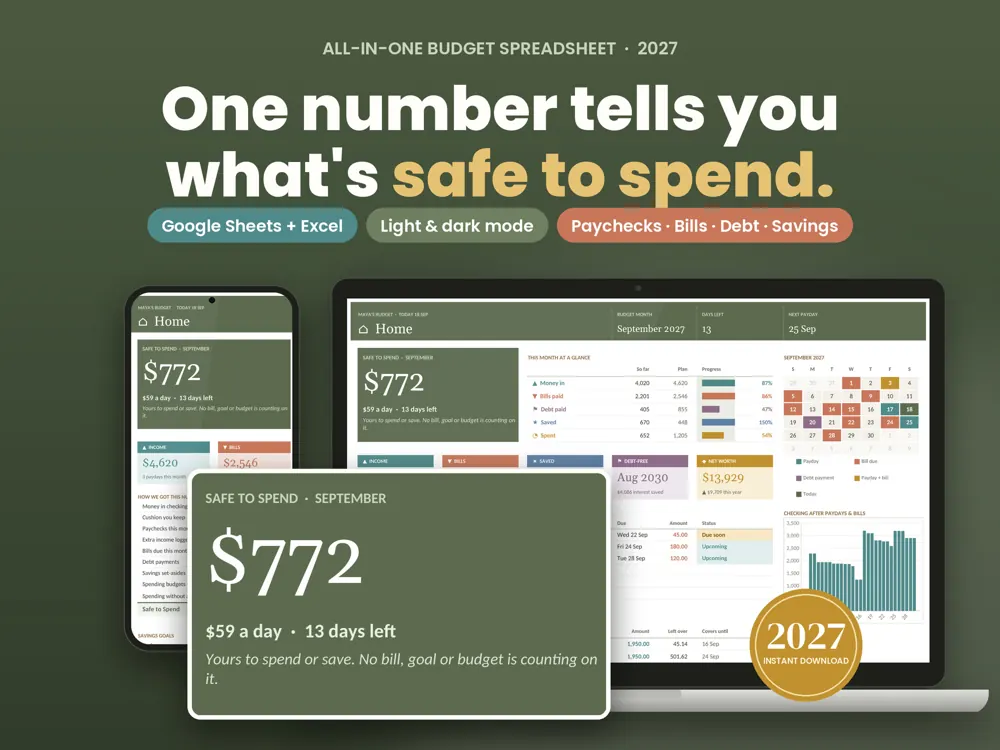
The All-in-One Budget 2027 picks up where the Mini stops: the same Safe to Spend home screen, plus pay dates that fill in for the month, bills matched to the paycheck that covers them, a debt payoff plan with a debt-free date, savings goals and a 12-month Year in Review, all connected.
See the All-in-One Budget 2027