 SageAndSheets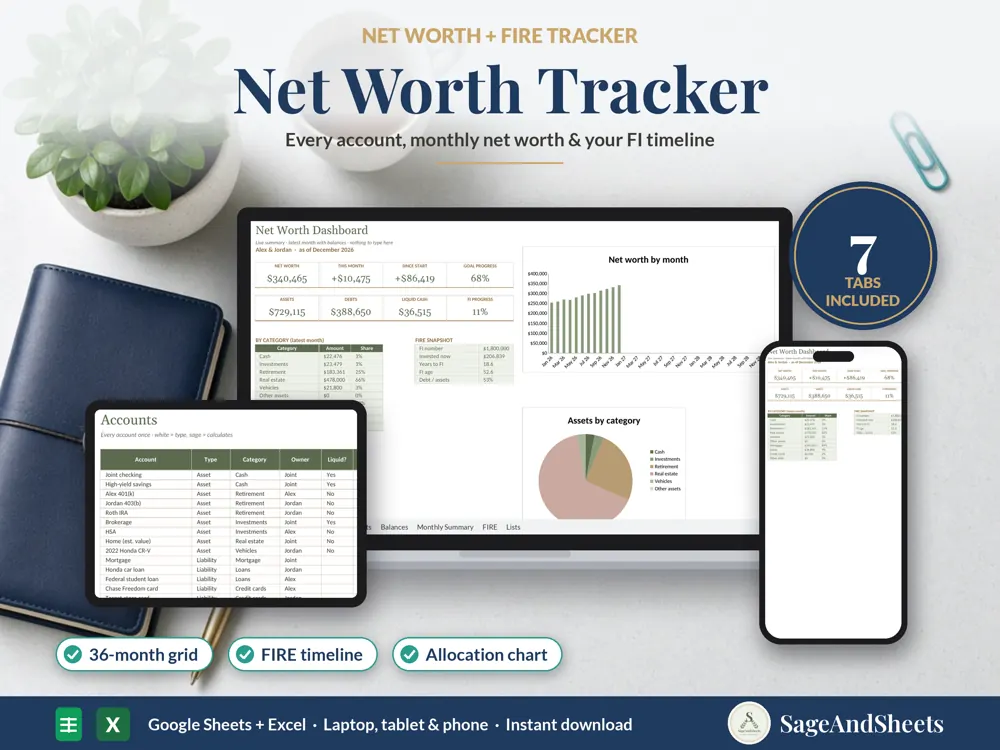
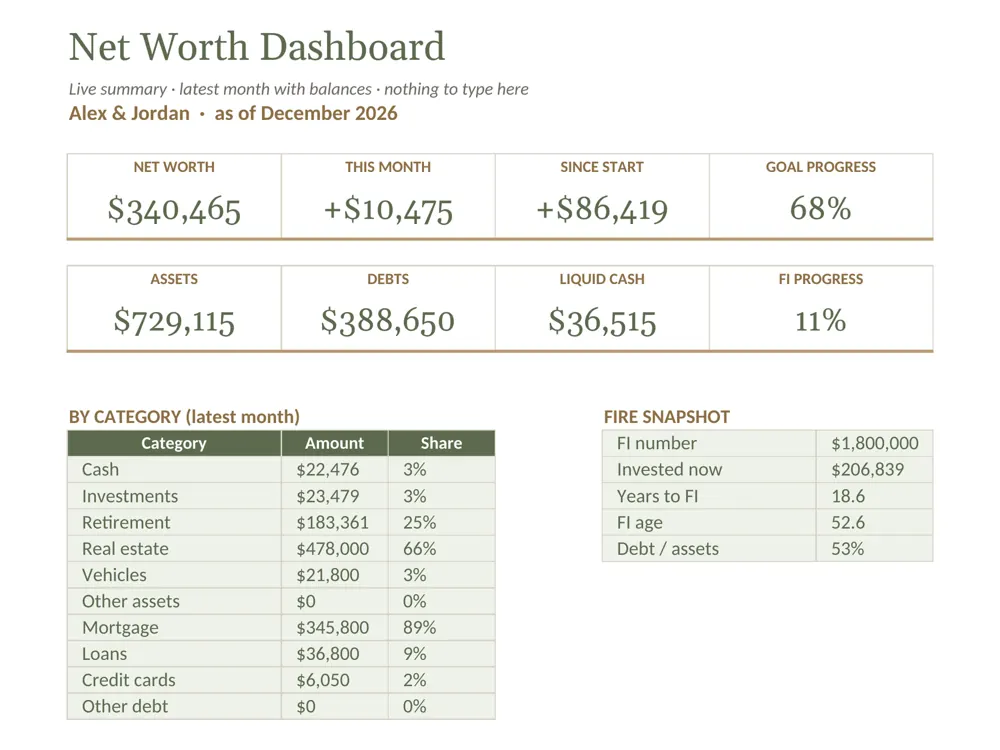
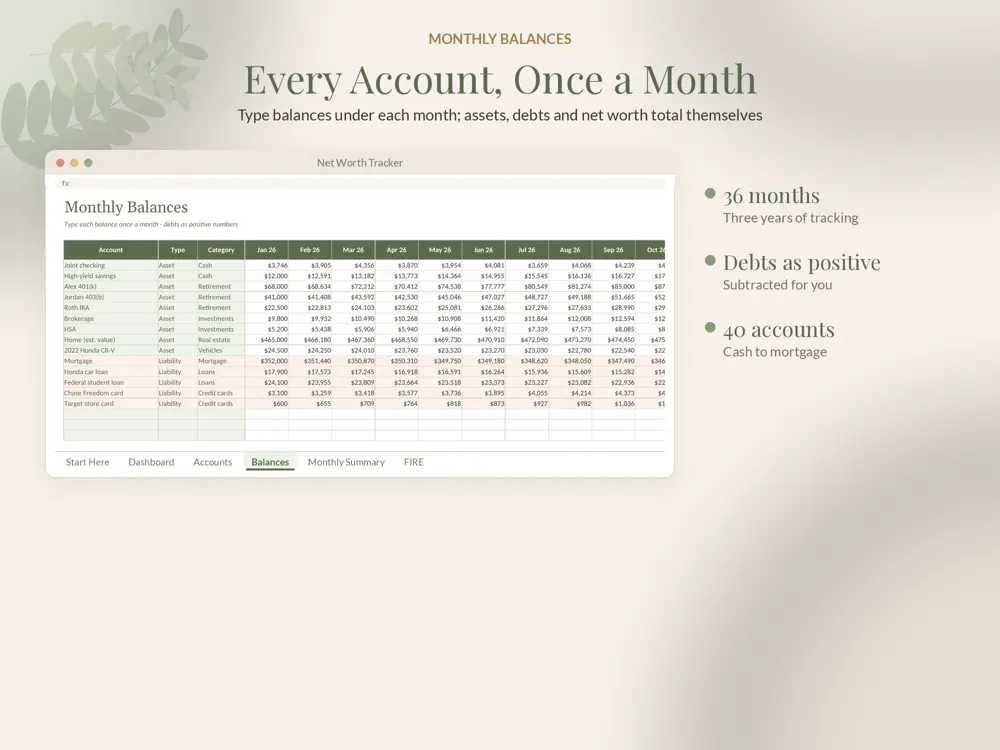
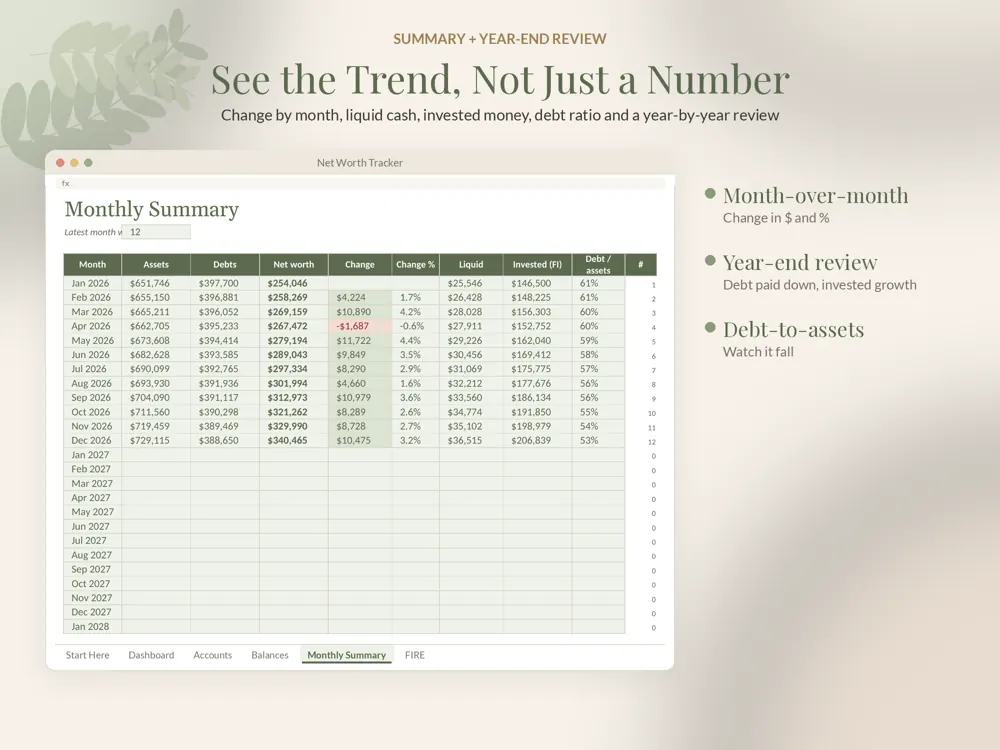
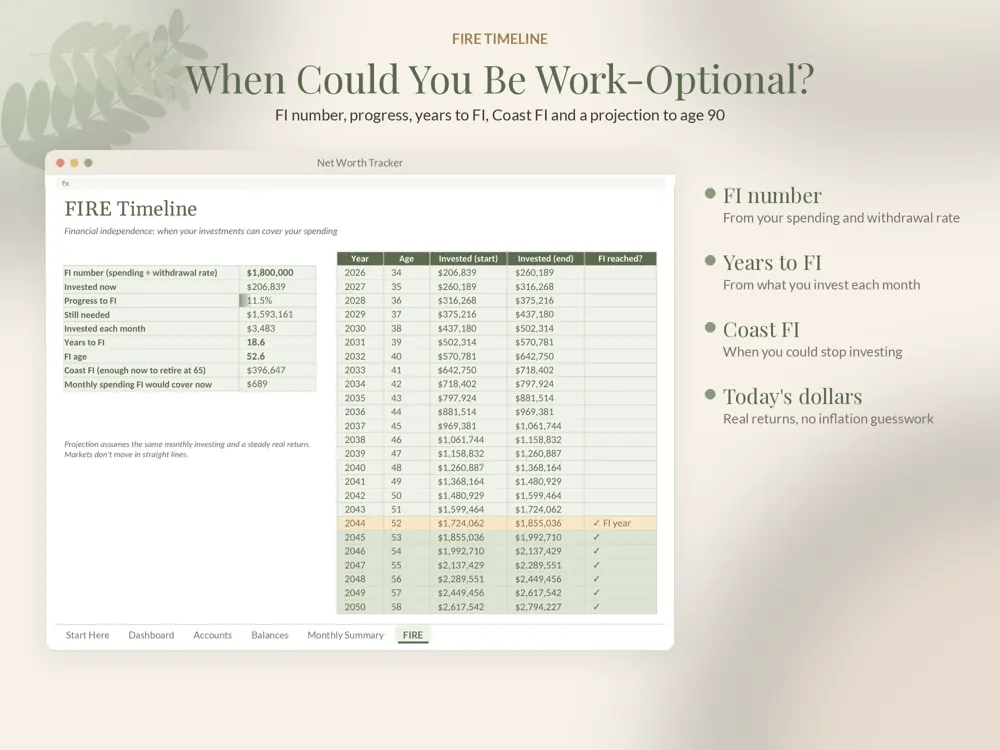
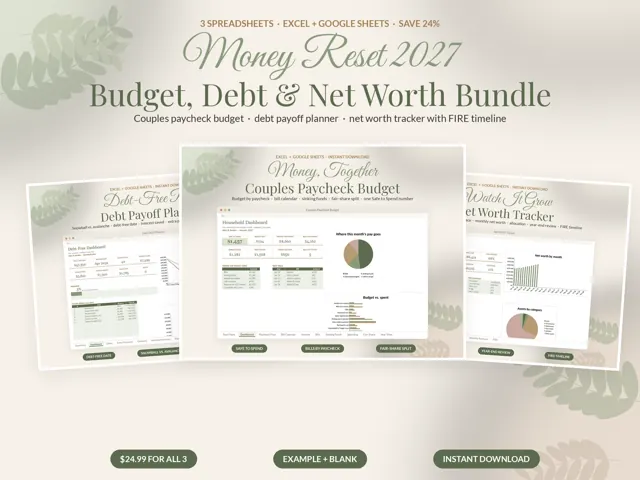
This net worth tracker puts every account in one place. Type balances once a month and see your net worth, the trend, a year-end review and a FIRE timeline that shows when work could become optional.
Who this net worth tracker spreadsheet is for
Made for people who want to see their whole financial picture in one place, track progress month by month and estimate when work becomes optional.
What's included
- Net worth tracker (.xlsx), example household with 14 accounts and 12 months of balances
- Blank version (.xlsx): 40 accounts, 36 months
- Step-by-step PDF guide for Google Sheets and Excel
Features
- Dashboard: net worth, change this month and since you started, goal progress, assets, debts, liquid cash and FI progress, with charts
- Accounts list: asset or liability, category, owner, liquid, and counts-toward-FI flags
- Monthly balances grid for 36 months; type debts as positive numbers and they're subtracted for you
- Monthly Summary: assets, debts, net worth, change in $ and %, liquid cash, invested money and debt-to-assets
- Year-end review: start and end net worth, change, debt paid down and invested growth for each year
- FIRE timeline: FI number from your spending and withdrawal rate, years to FI, FI age, Coast FI and a year-by-year projection
- Breakdown by category and an asset allocation chart
Why it's different
Year-end review and FIRE timeline in the same file No bank logins, no subscription, your data stays in your file Skipped months are handled automatically Google Sheets AND Excel, example and blank versions
How to use it
- Buy once right here (or on Etsy) and download the files instantly.
- Open the example version first to see the template filled in, then use the blank version for your own details.
- Upload the .xlsx to Google Drive and open it with Google Sheets, or open it directly in Excel.
- Follow the PDF guide; formulas update totals, dashboards and alerts as you type.
Frequently asked questions
How often do I update it?
Once a month is enough. Enter your account balances and the summary, chart and FIRE timeline update on their own.
Does it connect to my bank?
No. Nothing is connected or uploaded, so your data stays in your own file.
Does it work in Google Sheets and Excel?
Yes. Every spreadsheet opens in Google Sheets (free) and Microsoft Excel. A step-by-step PDF guide is included.
Is anything shipped?
No. It's an instant digital download, available right after purchase.